
PERS Alarm Escalation Workflow: From SOS Trigger to Caregiver Response

2026-06-24
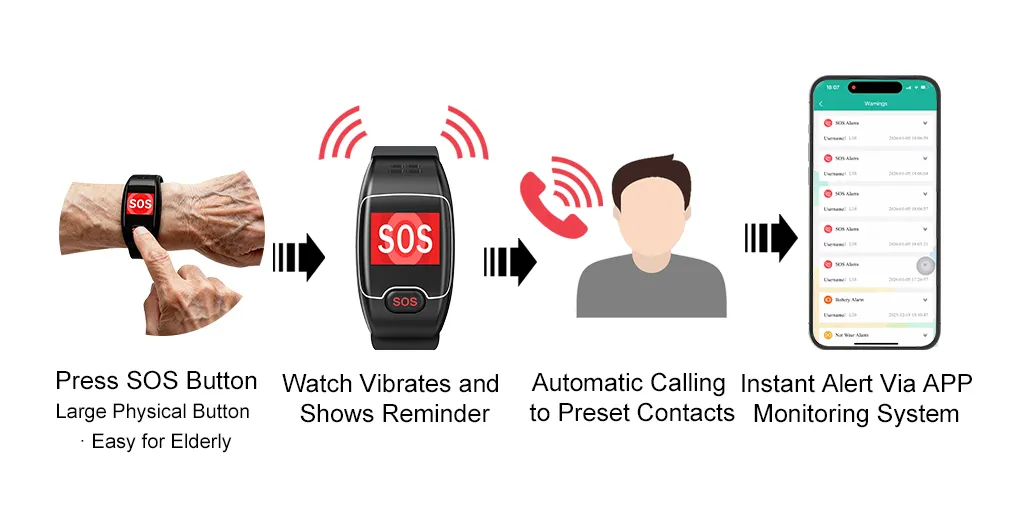
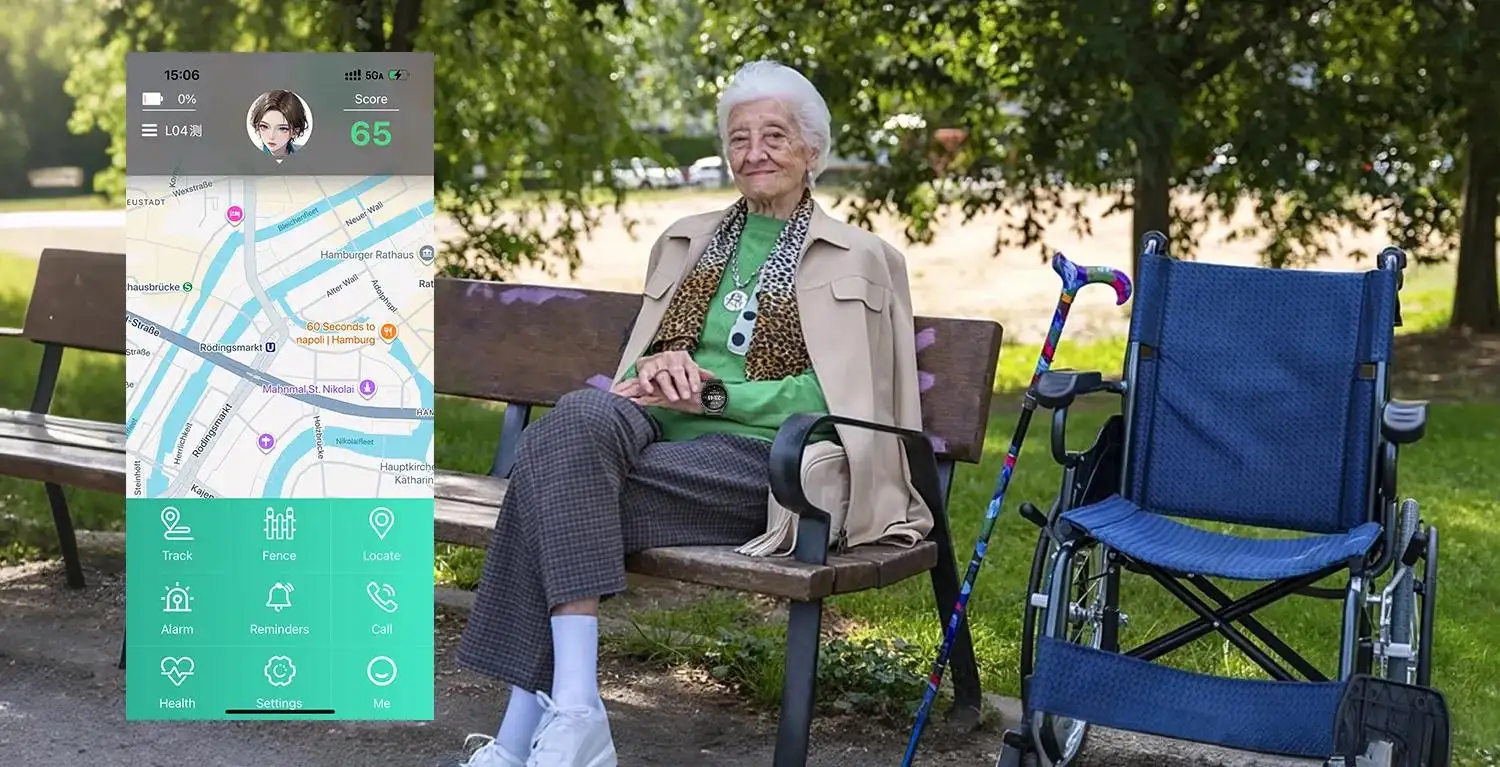
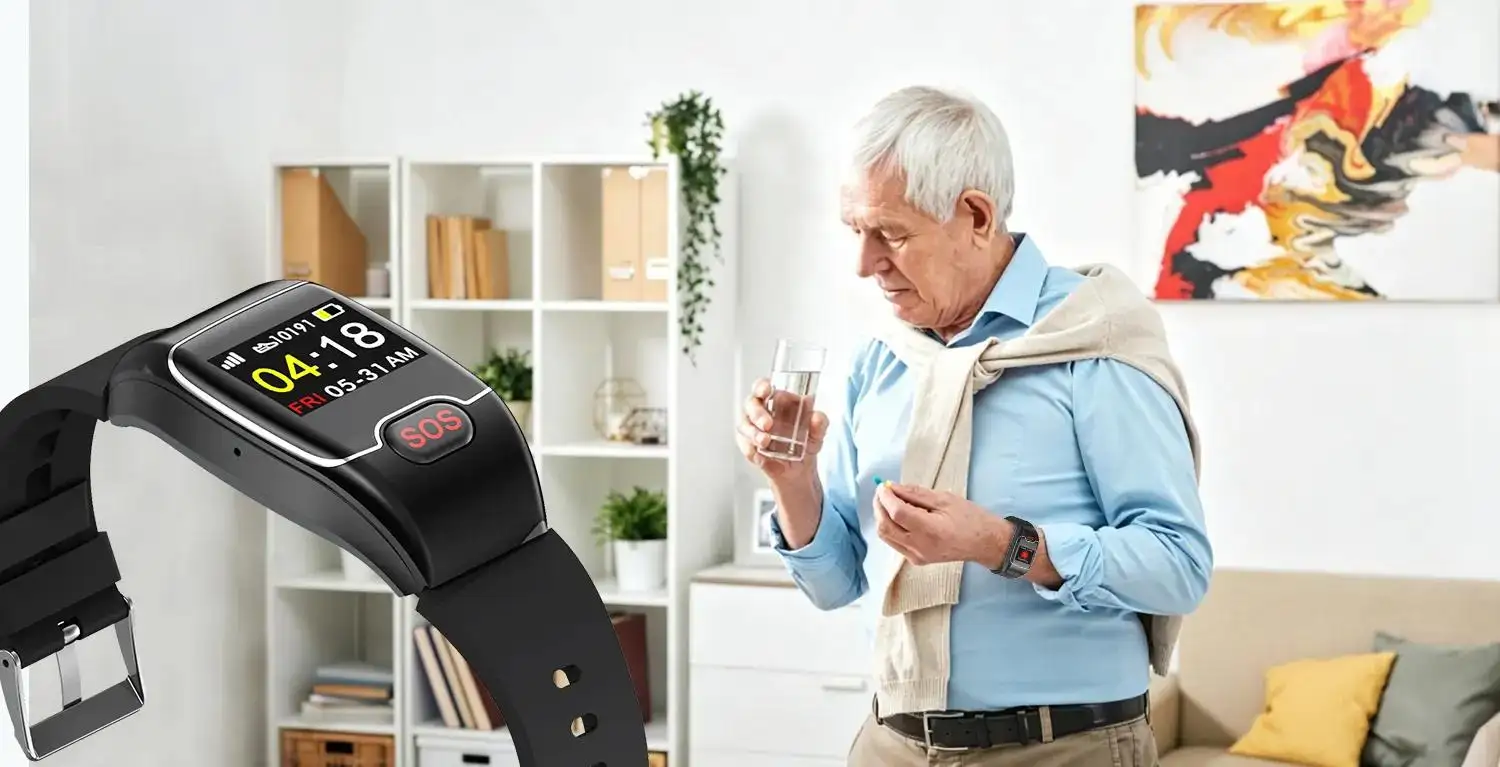
A Personal Emergency Response System (PERS) is often judged by hardware features: an SOS button, GPS, two-way calling, or battery life. But these are only the starting point. The real value lies in what happens after an alert is triggered. For telecare providers, system integrators, and private-label brands, a clear PERS Alarm Escalation Workflow transforms a button press into a structured, documented response process. It decides who gets the alert first, how it is acknowledged, when it escalates, what data is shared, and how the case is closed.
A device alone cannot ensure safety. Reliable support requires the device, platform, care plan, trained staff, and escalation rules to work together. This article walks through every stage of the personal alarm escalation process—from SOS trigger to final follow-up—so you can build an effective SOS alert workflow that protects seniors and supports caregivers.
What Is a PERS Alarm Escalation Workflow?
A PERS Alarm Escalation Workflow is the sequence of actions following an SOS press, fall detection, or other defined event. This may include the user, their family, and caregivers, as well as a monitoring center and emergency services. A robust elderly emergency response workflow must answer five questions:
•What event starts the process?
Every workflow begins with a trigger—an SOS, fall, geofence exit, or inactivity alert.
•What information is provided with the alert?
To expedite the assessment process, location, device status, and the wearer's profile should be included.
•Who is the first responder?
The primary contact must be apparent and accessible.
•What if they are unavailable?
To ensure that no alert is deemed unworthy, an alert must be able to be escalated.
•How is the result noted?
To help with traceability, notes must be kept.
These guidelines can be applied to SOS watches and pendants and GPS trackers and any telecare device that is linked. For large-scale use, an effective telecare alert management system is crucial.
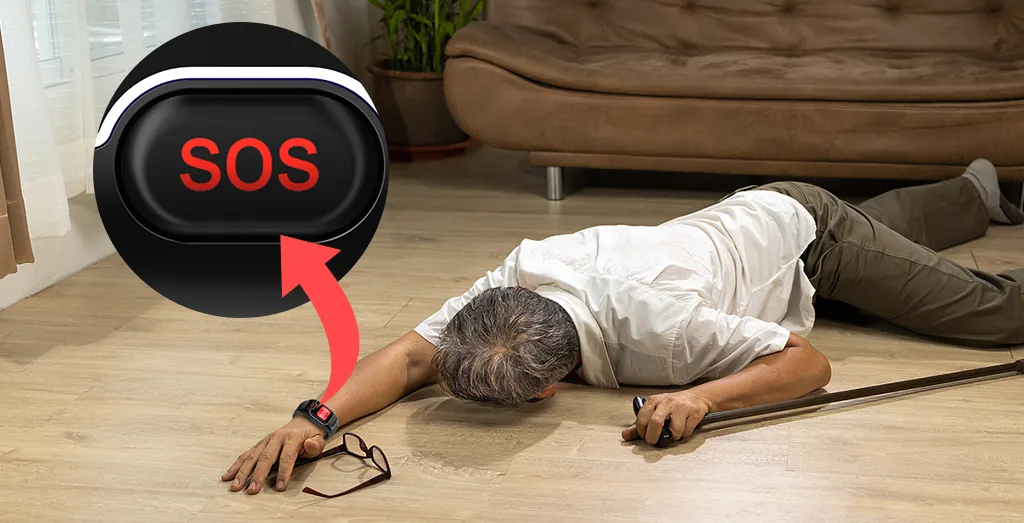
Step 1: SOS Button Pressed
The personal alarm escalation process is activated when the SOS button is pressed. The process can also be triggered by falling, breaching the geofence, being inactive, having a low battery, etc.
Important design principles:
•Simplicity: No menu should exist in the button and a smartphone should not be accessible in order to use the button. It should be obvious what the button is for, and it should be easy to use the button.
•Feedback: The user should receive an audible and/or tactile alert that the alarm was sent.
•Accidental-trigger prevention: Balance sensitivity with false-alarm reduction.
•Cancellation window: A short delay may cut false alarms, but not at the cost of delaying genuine help.
A confusing device fails the entire SOS alert workflow—test thoroughly before deployment.
Step 2: The Device Sends the Event with Context
After an SOS, the device must transmit more than a generic alarm. An enriched event package speeds up the elderly emergency response workflow:
•Device ID and wearer profile: Identifies who is in distress.
•Type of event and time of occurrence: Indicates what happened and when.
•Geographic coordinates (with hyperlink): Speeds up the dispatch of units.
•Battery and network status: Indicates ability to maintain communication.
•Geofence status: Context to where event occurred.
•Calling status: Indicates if two-way audio is available.
Provide actionable context—not information overload—to accelerate the SOS alert workflow and reduce response time.
Step 3: The Platform Identifies the Wearer and Care Plan
An alert must link to the person, not just a device ID. The platform needs to match the alert with the wearer, primary contacts, location, and care instructions. This personalisation is the backbone of any telecare alert management system.
Different care models require different first responders:
| Care Model | Primary Responder |
| Independent living | Family members |
| Care facility | Duty nurse |
| Professional monitoring | Call-center agent |
Outdated contacts or care plans break the caregiver emergency alert workflow—keep all data current.

Step 4: The Primary Responder Acknowledges the Alert
The primary responder—whether a family caregiver, onsite staff, or monitoring operator—must receive a clear, actionable alert. Once the SOS alert moves from solely being a notification, and requires the notification be acted on, the responder must do the following:
• Acknowledge (accepts the Alarm Escalation Workflow notification is active).
• View location (determines if and how to respond).
• Call if able/allowed (assures personal contact).
• Follow care instructions (aids directed telecare alert response).
Acknowledgement means the responder has assumed responsibility, and will take action, but does not imply the situation has been resolved.
Step 5: Escalating Alert
Once the established time has expired with no contact made to the original notifier, the alert system will take an additional step. The system will notify a different, secondary notifier. This could include a family member, caregiver, manager, one of the monitoring center personnel, or an emergency contact. This is the last step of the personal alarm escalation system.
An emerging elder emergency response system usually includes:
• Notify primary responder (first tier notification).
• Notify secondary responder (after a prescribed time).
• Notify a wider team (further escalation) or monitoring, if primary and secondary notification is still unresolved.
• Follow emergency procedures if needed – completes the caregiver emergency alert workflow.
Avoid mass notification (confusion) or single-point failure (risk). Configurable timing and contacts are essential.
Step 6: Record the Outcome and Follow Up
A mature elderly emergency response workflow classifies each incident: false trigger, non-urgent request, caregiver follow-up, or urgent escalation. Accurate records feed back into the telecare alert management system.
Document:
• Alert and acknowledgement timestamps
• Contact attempts
• Actions taken
• Final outcome
• Any care-plan updates
Good records support handover and reveal recurring issues—low battery, poor compliance, outdated contacts, or geofence false alarms—that degrade the PERS Alarm Escalation Workflow over time.
Step 7: Check the Device and Improve the Workflow
After a real event or repeated false alarms, review device and workflow performance. This aids the personal alarm escalation procedure and endorses a learning through operations approach.
Review checklist:
• Was the device worn and charged? – Reliability of the system depends on this compliance.
• Did SOS & location work? - Verify the functionality of the system.
• Did the message reach the correct responder? – Route accuracy is important.
• Did the responder escalate in a timely manner? – Time does impact the outcome.
• Do contacts, geofences, or rules need to be changed? – continuous improvement prevents failures.
This review is critical during pilots—it turns incidents into learning before scaling the SOS alert workflow.
Designing a PERS Workflow for Scale
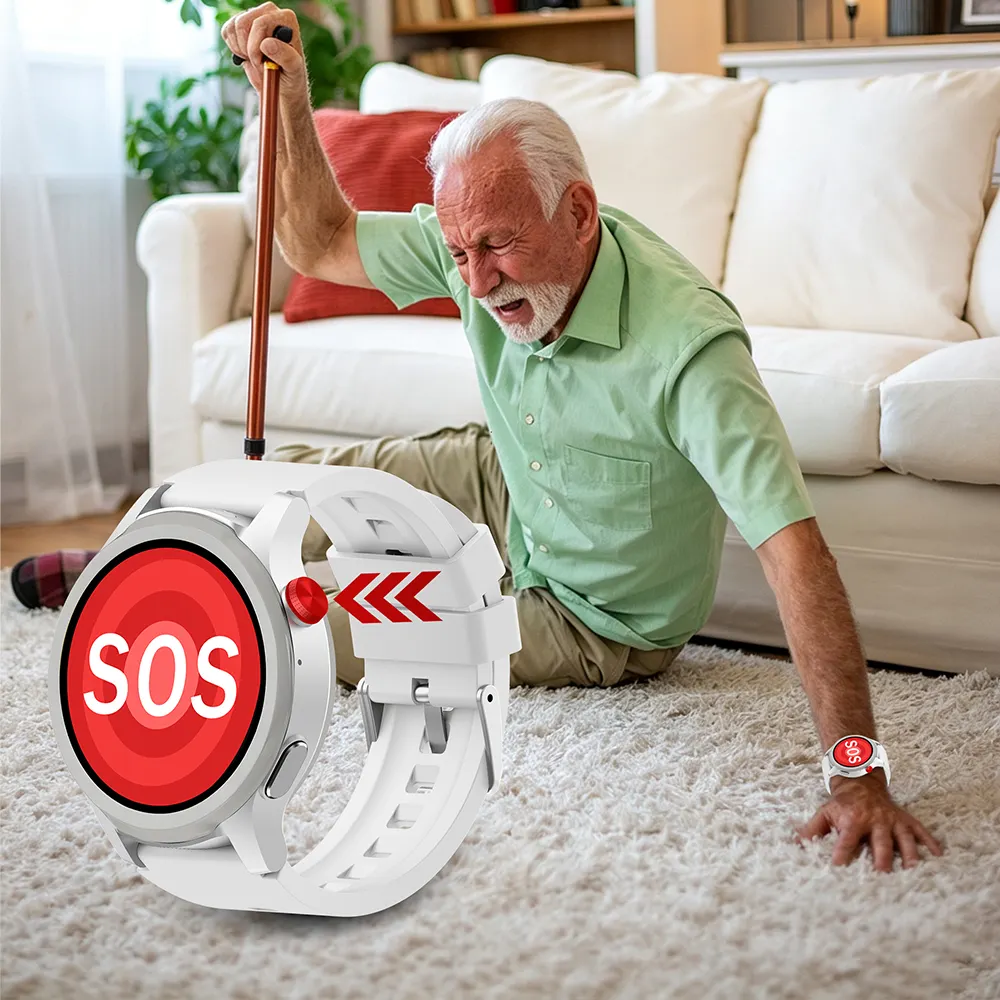
For small family care, a pendant may just call two relatives. For a telecare operator with thousands of users, the same PERS Alarm Escalation Workflow needs user profiles, staff roles, alert queues, escalation rules, audit logs, device-health monitoring, and system integrations.
JiAi Intelligent Technology develops elderly smartwatches, SOS pendants, GPS trackers, and telecare devices for OEM/ODM projects. With over a decade in R&D, JiAi supports customized device functions, alert logic, branded solutions, and integration planning. Their in-house team covers hardware, firmware, cloud platforms, and wearable design—helping partners build scalable telecare alert management systems that fit any caregiver emergency alert workflow.
Final Takeaway
A PERS device is only as good as the response behind it. The strongest programs define the full path from SOS trigger to acknowledgement, escalation, response, documentation, and improvement. For procurement teams, the key question is not whether a device can send an alarm, but whether the entire workflow—the PERS Alarm Escalation Workflow, personal alarm escalation process, SOS alert workflow, elderly emergency response workflow, telecare alert management, and caregiver emergency alert workflow—can support your people, care model, and scale. A clear, well-designed escalation workflow turns connected devices into dependable lifelines for senior care.
JiAi Intelligent Technology specializes in OEM/ODM smart wearables for senior care. Learn more about their PERS solutions and device manufacturing capabilities.
Frequently Asked Questions
Q1. What causes a PERS Alarm Escalation Workflow?
An SOS button press, detection of a person falling, an event of someone crossing a geofence, prolonged inactivity, and a low-battery warning are all examples of an alarm escalation event.
Q2. Who is alerted first in the personal alarm escalation procedure?
The primary responder, a family member, the nurse, or a monitoring center agent, as defined in the care plan of the user.
Q3. What occurs when the primary responder does not respond to the SOS alert workflow?
The system escalates the alert to a secondary contact. After specific intervals, the alert escalates to the associated response team or to emergency services.
Q4. What does the telecare alert management system send with an alert?
An alert indicates the device ID and wearer profile, the event type, and the device's GPS location. It also indicates the device's battery and network status along with the geofence as well as a call status.
Q5. How does an action get documented in the elderly emergency response workflow?
An action gets documented by the recording of the time and attempts of contact along with the actions performed, an outcome, and a revision note for a care-plan recommendation.