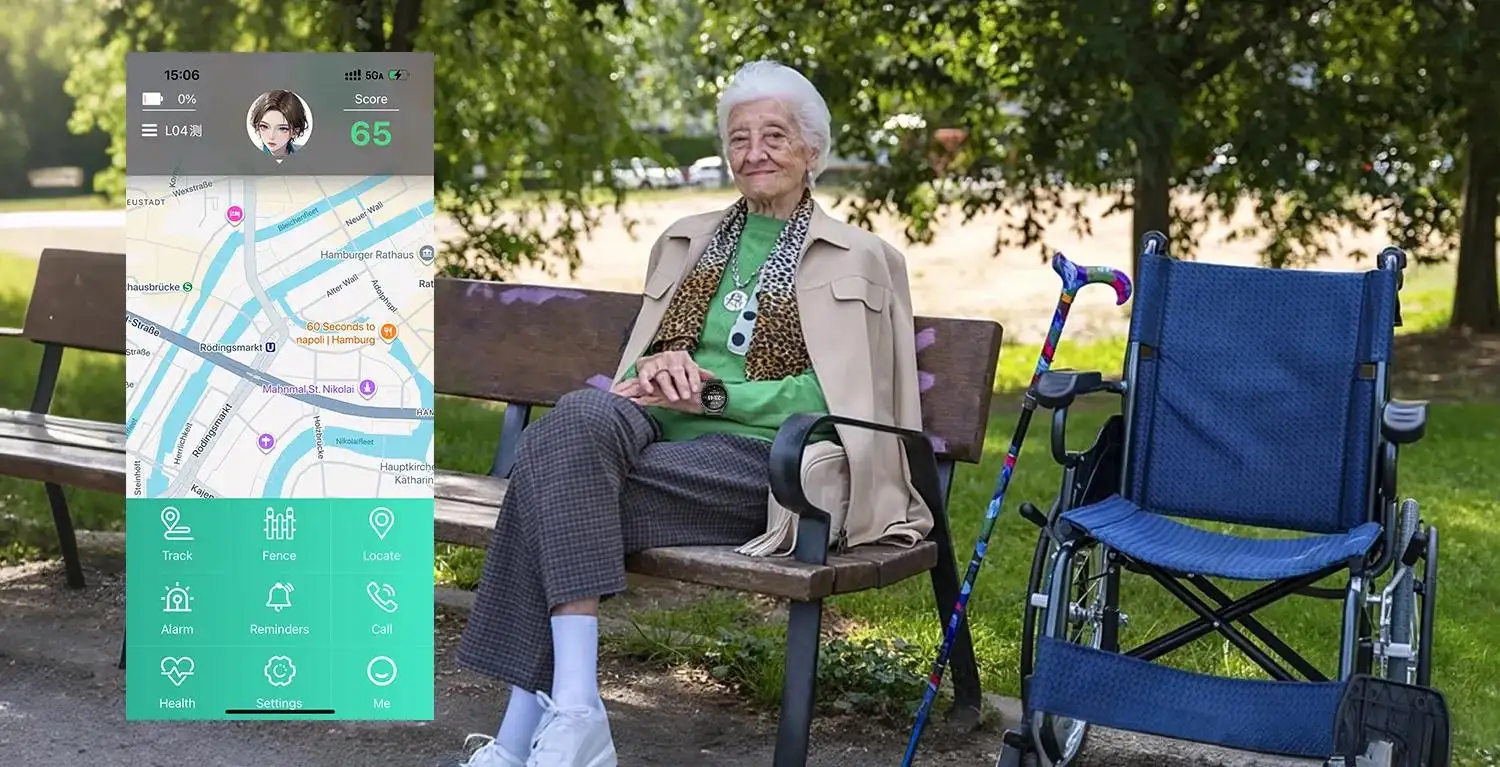

Large Display Senior Smartwatch USA | Clear & Simple

2025-10-07
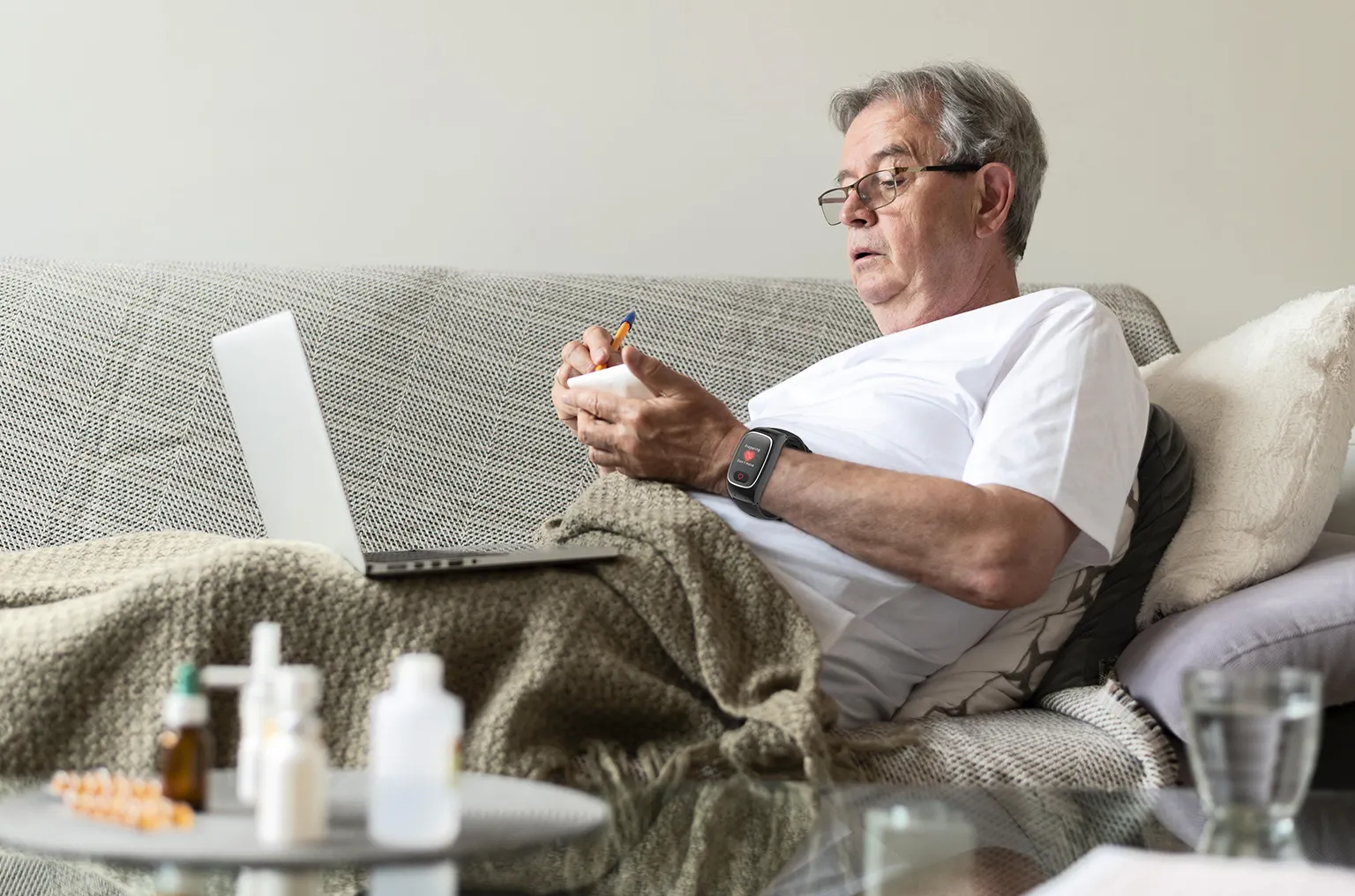
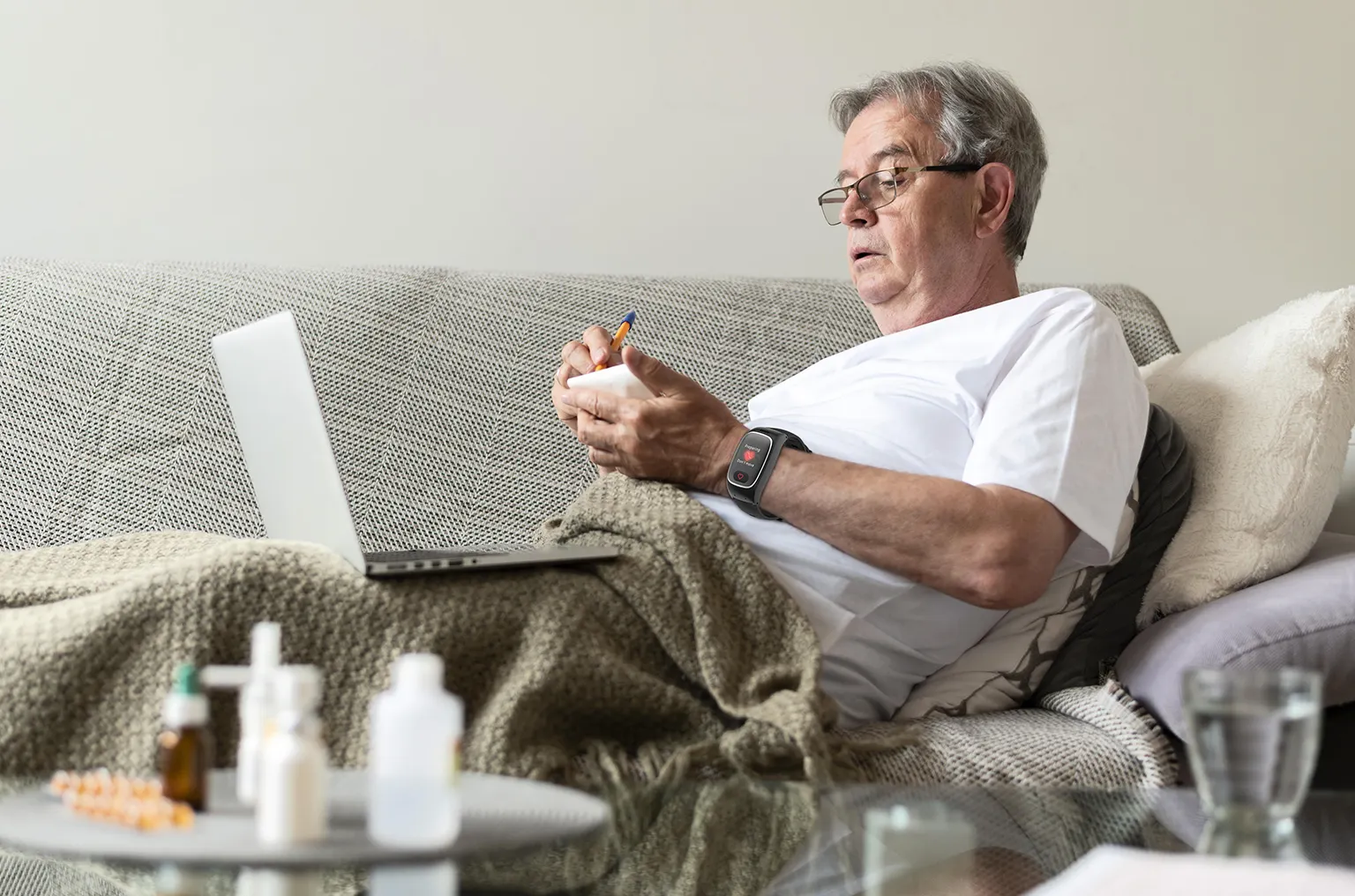
A large display senior smartwatch USA model is the most critical factor for usability and safety. As people age, vision changes can make standard digital screens difficult to read. Small icons and text become sources of frustration. This can cause seniors to abandon technology meant to help them. A smartwatch with a large, bright, and clear screen solves this problem directly. It ensures that essential information is always accessible at a glance. This guide explores why the display is a non-negotiable feature. We will cover the key screen characteristics and how they improve every function of the watch.
Why a Large Display is the Most Critical Feature
While features like fall detection and SOS buttons are vital, they depend on one thing: usability. If a senior cannot see the screen clearly, they cannot use the device confidently. A large display is the foundation upon which all other features are built. It transforms a potentially confusing gadget into an empowering tool for independence. This fundamental accessibility is what makes the technology effective in the real world.
The Science of Aging Vision and Screen Readability
Vision naturally changes over time. Many adults experience presbyopia, which makes it hard to focus on close objects. Contrast sensitivity also decreases. This means it is harder to distinguish text from its background. A small, dim smartwatch screen worsens these challenges.
A large display directly counteracts these issues:
- Increased Font Size: A bigger screen allows for larger text. This makes reading the time, notifications, and health data effortless.
- Better Icon Recognition: On-screen icons for apps or functions are bigger and easier to identify. This reduces confusion and incorrect taps.
- Higher Contrast: Larger screens, especially those with OLED technology, offer deeper blacks and brighter whites. This high contrast makes the entire display more legible.
A screen designed for senior eyes is not a luxury. It is a necessary component for a functional safety device.
Benefits Beyond Simple Readability
A clear display improves more than just reading. It enhances the entire user experience. A larger screen provides a bigger target area for touch interactions. This is crucial for seniors who may have reduced dexterity or hand tremors. Tapping the correct button or swiping through menus becomes much simpler. This reduction in errors prevents frustration. It encourages the senior to engage with the watch's features regularly. When a device is easy to use, it is more likely to be worn every day. Consistent use is essential for any safety device to be effective.
Boosting Confidence and Promoting Independence
Technology should empower, not intimidate. A smartwatch that is difficult to see can make a senior feel incapable. It creates a barrier to using life-saving features. In contrast, a large display senior smartwatch builds confidence. When a senior can easily read medication reminders or check their heart rate, they feel more in control of their health. Knowing they can clearly see and operate the SOS function in an emergency provides immense peace of mind. This confidence is central to maintaining an independent lifestyle.
Core Characteristics of a High-Quality Large Display
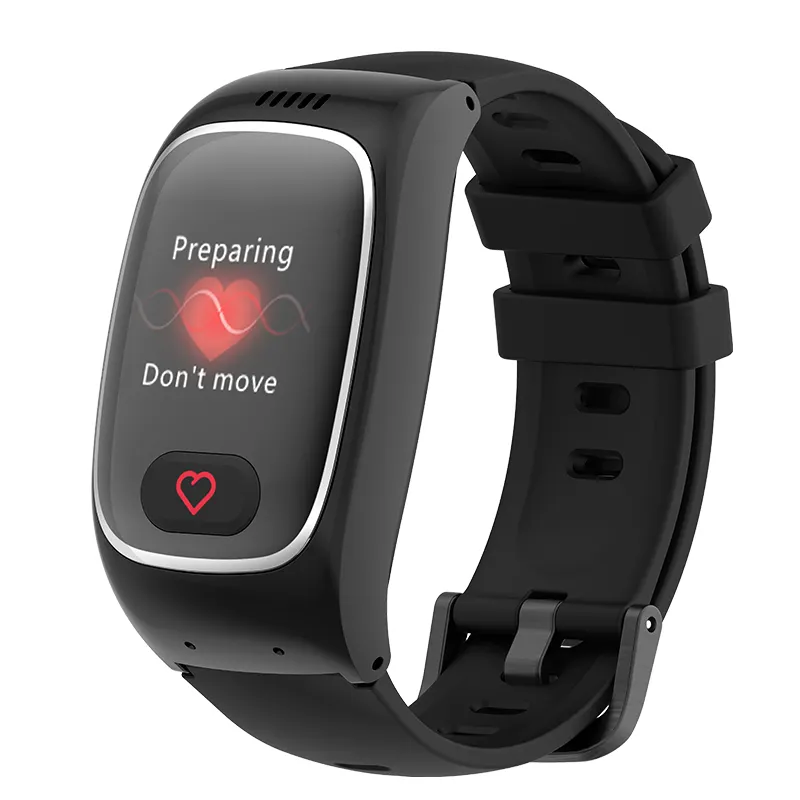
Not all large screens are created equal. Several technical factors contribute to a display's clarity and simplicity. Understanding these characteristics helps in selecting a truly user-friendly device. The goal is to find a screen that is bright, sharp, and easy on the eyes in any environment.
Screen Technology Explained: OLED vs. LCD
The two most common screen types in smartwatches are OLED and LCD. Each has distinct advantages for readability.
- OLED (Organic Light Emitting Diode): OLED screens are often considered superior for clarity. Each pixel produces its own light. This allows for "true black" backgrounds because unused pixels are turned off completely. The result is an extremely high contrast ratio. White text on a black background appears incredibly sharp. This is ideal for aging eyes.
- LCD (Liquid Crystal Display): LCD screens use a single backlight to illuminate all pixels. They are very bright and perform well in direct sunlight. While they do not offer the same contrast as OLED, high-quality LCDs are still very clear and effective. They are often found on more budget-friendly devices.
For seniors, an OLED display is typically the premium choice due to its superior contrast.
Resolution and Pixel Density for Ultimate Clarity
Resolution refers to the number of pixels on the screen. A higher resolution means more pixels packed into the same area. This creates sharper images and smoother text. For a senior smartwatch, high resolution is important. It prevents text from looking blurry or blocky, even when enlarged. You do not need to understand the exact numbers (like 454 x 454 pixels). Just know that a sharper, higher-resolution screen is always better. It makes every element on the display, from the numbers on the clock face to the name of a caller, crisp and clear.
Brightness and Visibility in Outdoor Conditions
A smartwatch must be readable both indoors and outdoors. A screen that looks great inside can become washed out in direct sunlight. Screen brightness is measured in "nits." A higher nit rating means a brighter screen. For a senior smartwatch, look for a display with high maximum brightness. This ensures that the time and notifications are visible during a walk in the park or a day in the garden. An ambient light sensor is also a useful feature. It automatically adjusts the screen's brightness to match the surrounding environment. This conserves battery life and provides optimal visibility at all times.
Customizable Watch Faces for Personalization
The watch face is the most frequently viewed screen. An easy-use senior smartwatch in Florida should offer a variety of customizable watch faces. This allows the user to choose a layout that best suits their visual needs.
Look for watch faces with:
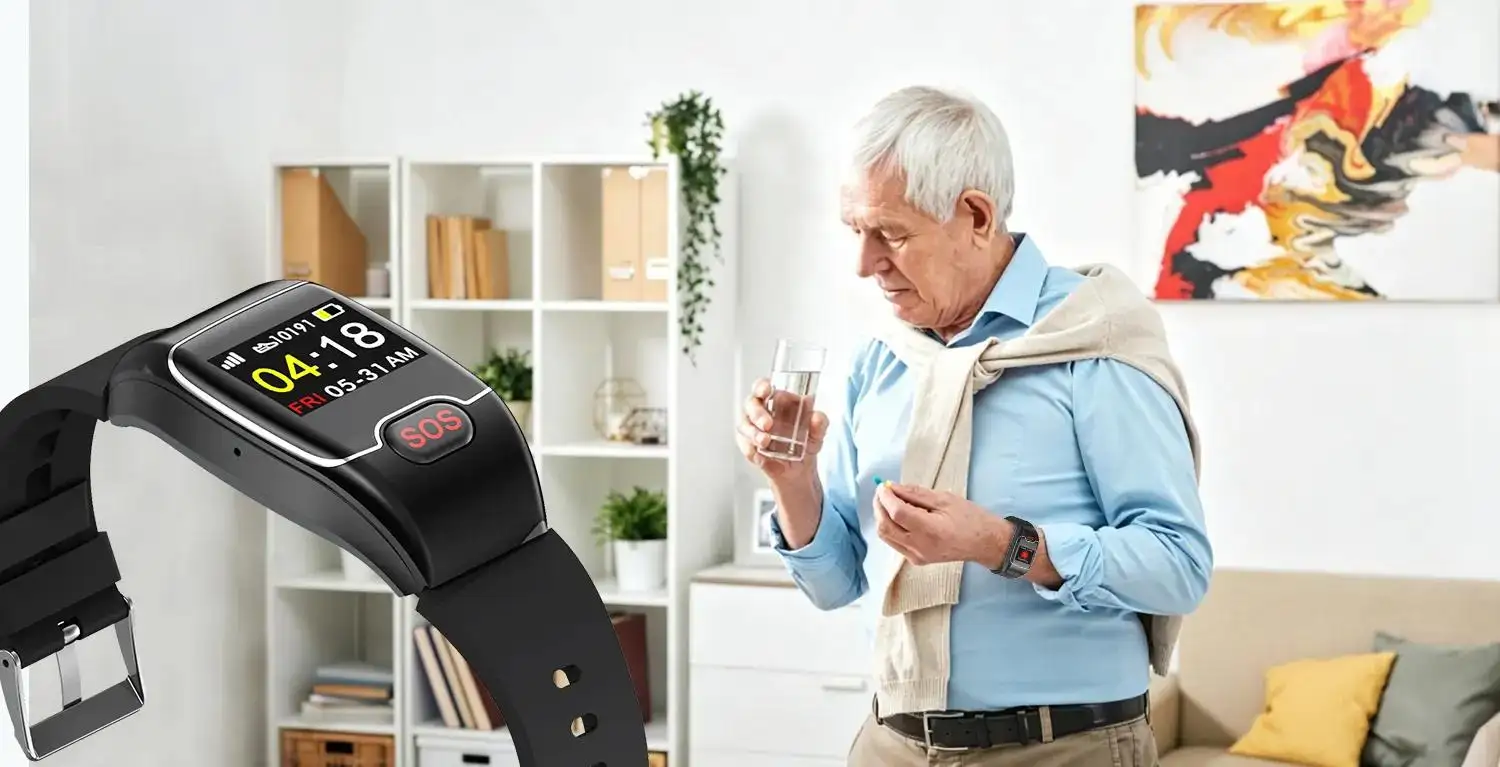
- Large Digital Numbers: A simple digital clock with huge numbers is often the most readable option.
- High-Contrast Color Schemes: Simple black-and-white or yellow-on-black themes are very effective.
- Minimalist Design: The best watch faces show only essential information, like the time, date, and step count. They avoid cluttering the screen with tiny, complex data points.
The ability to personalize the main screen is a key part of making a large display smartwatch truly simple and clear.
Essential Safety Features Enhanced by a Large Display
A large screen directly improves the effectiveness of a watch's most critical safety functions. In an emergency, clarity and simplicity can make all the difference. There is no time to struggle with a confusing interface.
SOS Alerts Made Simple and Clear
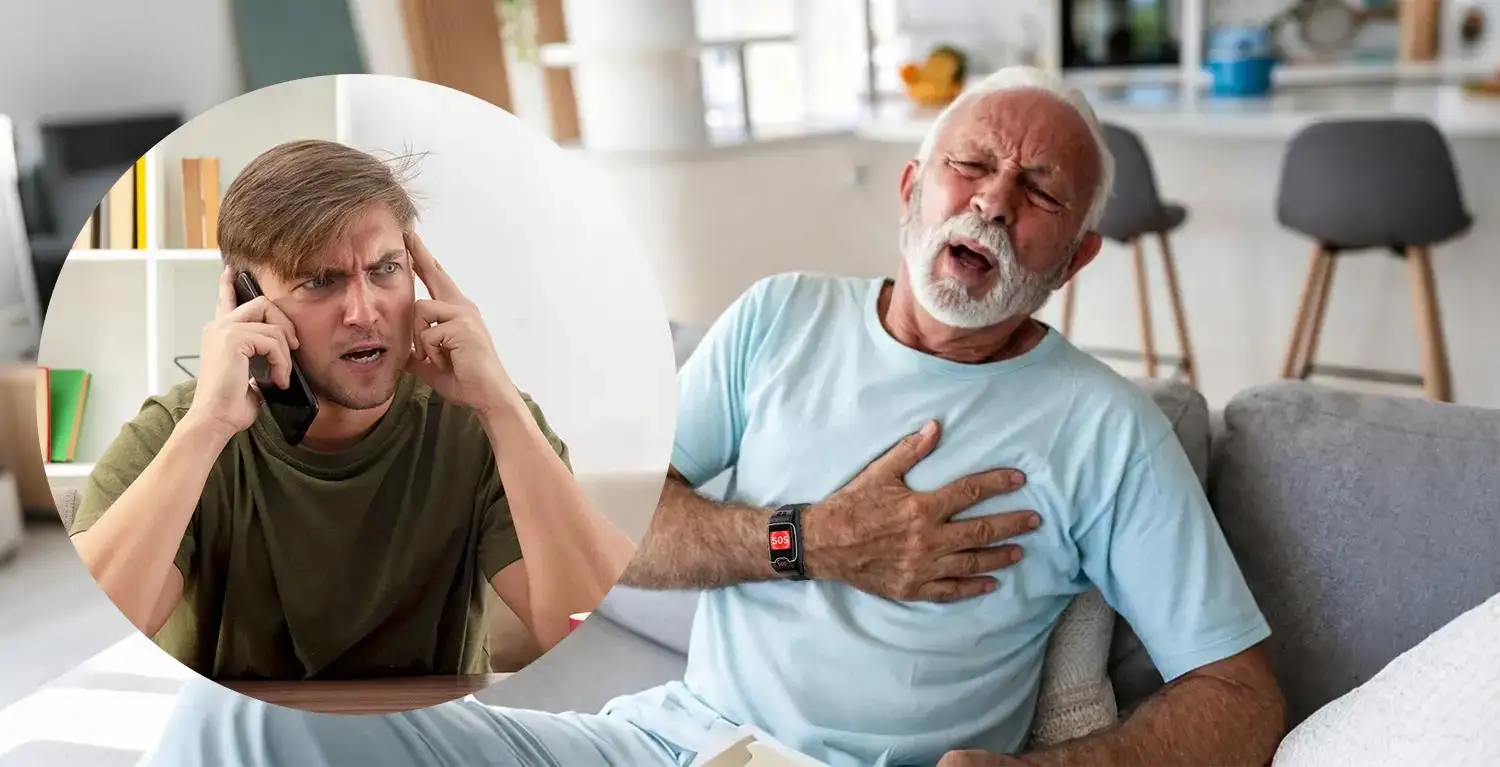
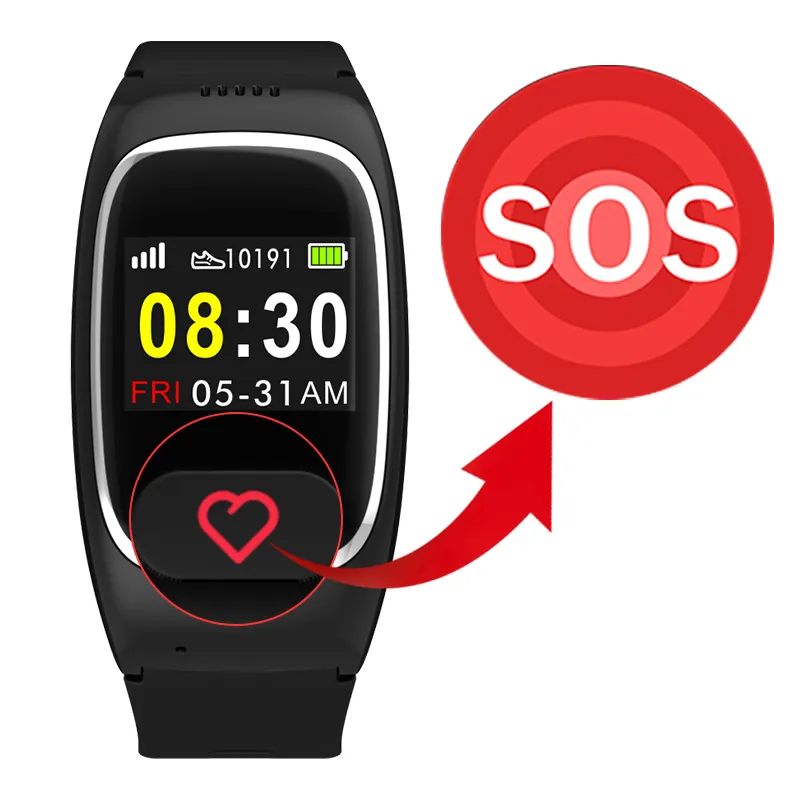
Many watches feature both a physical and an on-screen SOS button. A large display makes the on-screen button easy to locate and press. After an alert is triggered from an SOS senior watch in New York, the screen provides crucial feedback. It might display "Calling for Help..." in large letters. This confirms to the user that the alert was successful. If an alert is triggered accidentally, the on-screen "Cancel" button is also large and easy to press. This entire process is made less stressful when the information is presented clearly.
Clearer Fall Detection Notifications
Automatic fall detection is a key feature in a modern senior smartwatch. When the device senses a hard fall, it initiates an alert sequence. A fall detection smartwatch in Texas will display a prominent message on the screen, such as "A fall was detected. Are you OK?" The user then has a short window to respond. A large display makes this message impossible to miss. The on-screen buttons for "I'm OK" or "I Need Help" are large and distinct. This ensures the user can interact correctly, even if they are disoriented after a fall.
Health Monitoring on a Readable Screen
A large display senior smartwatch is also an excellent tool for daily health management. It brings key wellness data to the user's wrist in an accessible format. This encourages proactive engagement with one's health.
Viewing Vitals at a Glance
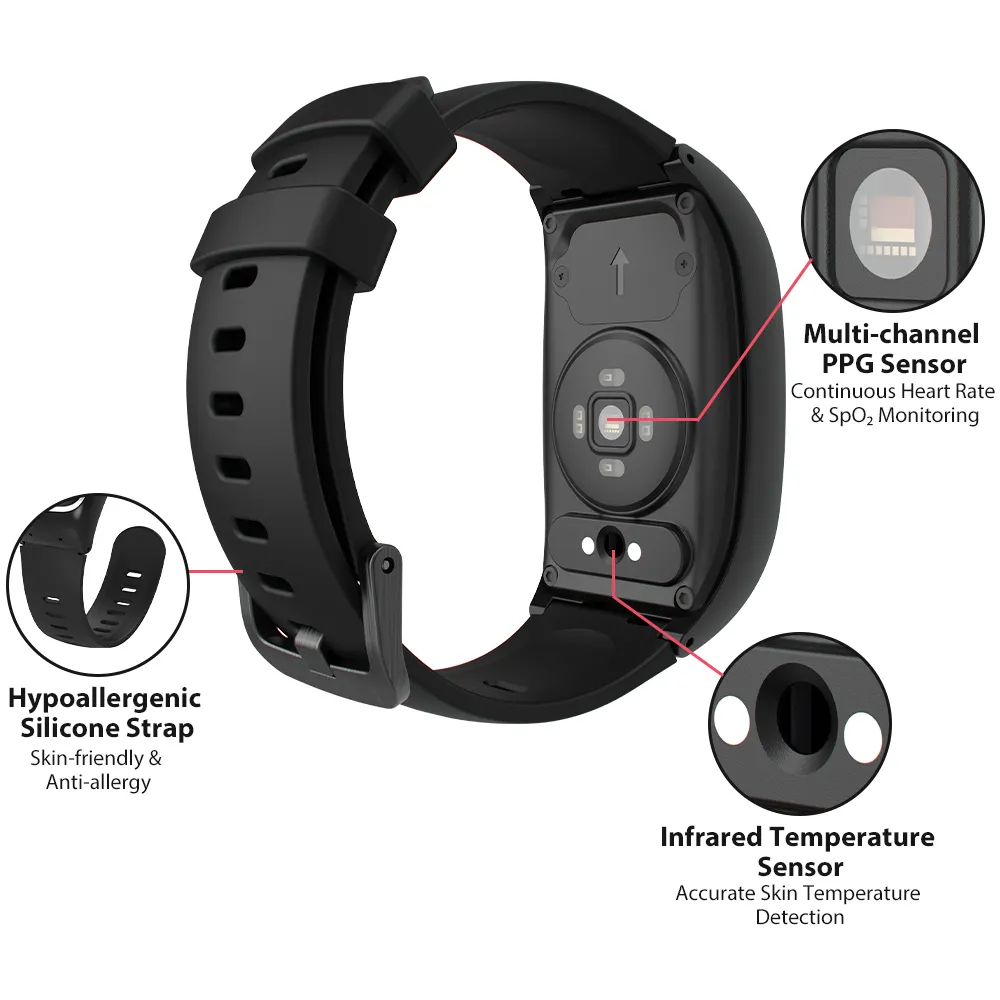
A dedicated senior health watch in Chicago can track metrics like heart rate, blood oxygen, and steps. A large display presents this information in big, bold numbers. There is no need to navigate complex menus. A senior can simply glance at their wrist to check their heart rate during a walk. This easy access to data can help them stay motivated and aware of their body's signals. The information is presented for the user, not just for a caregiver's app.
Medication Reminders You Cannot Miss
Forgetting to take medication can have serious health consequences. Smartwatches can be set to provide medication reminders. On a large, bright screen, these alerts are far more effective. A clear notification like "Time to take your 2 PM medication" is much better than a generic beep. Some watches may even display an image of the pill. This visual cue is extremely helpful. The large screen ensures these critical reminders are seen and acted upon.
How to Choose the Right Large Display Smartwatch
Selecting the perfect device involves balancing screen size with other factors like comfort and battery life. It is important to consider the individual who will be wearing the watch.
Assessing Physical Size and Overall Comfort
A large display naturally means a larger physical watch case. While a big screen is great for visibility, the watch must also be comfortable to wear 24/7. Watch sizes are often measured in millimeters (e.g., 41mm, 45mm, 49mm). It is a good idea to consider the user's wrist size. A very large watch might feel bulky or heavy on a slender wrist. Look for a model that offers the largest screen possible in a lightweight and ergonomic design. The watch band material also matters. Soft silicone is typically more comfortable for continuous wear than metal or leather.
Evaluating the User Interface and Menu System
The software on the watch is just as important as the hardware. A large screen is wasted if the menu system is a maze of tiny icons and text. Look for a user interface designed specifically for simplicity.
- Icon-Based Menus: Simple, universally understood icons for functions like "SOS," "Heart Rate," and "Steps" are ideal.
- Simple Navigation: Swiping through screens should be intuitive. Complicated gestures or tiny scroll bars should be avoided.
- Minimalism: The system should not be overloaded with non-essential apps like email or web browsers. The focus should remain on health and safety.
Considering Advanced Mainstream Options
Some mainstream smartwatches, like the Apple Watch, offer exceptionally large, bright, and high-resolution displays. They also come with powerful health features and robust accessibility settings. These can be excellent options for tech-savvy seniors. However, their interface can be more complex than a dedicated senior smartwatch. It is important to assess the user's comfort level with technology before choosing a more feature-rich device.
Conclusion
Choosing a large display senior smartwatch in the USA is a decision that prioritizes accessibility and user confidence. A clear, simple, and bright screen is the gateway to all the life-saving features a modern smartwatch for seniors in the USA has to offer. It ensures that health data is readable, medication alerts are seen, and emergency functions are easy to operate. By focusing on the quality of the display, you provide a loved one with a tool that is not just powerful, but also empowering. This investment in clear technology fosters independence and provides invaluable peace of mind for the entire family.